相关链接
- 安装hexo教程请点这里
- 更多hexo主题请点这里
- Next主题中文文档
安装next主题
1.克隆next主题
- 进入hexo目录
1
cd hexo
- 克隆next主题到themes文件夹下并重命名为next
1
git clone https://github.com/theme-next/hexo-theme-next.git themes/next
2.修改hexo配置文件
1 | vim _config.yml |
找到 theme: landscape 替换为theme: next 保存退出
3.编译,本地预览
1 | hexo g |
浏览器打开 http://localhost:4000/ 即可访问
优化next主题
切换主题风格
next主题共有4种风格
Muse(默认)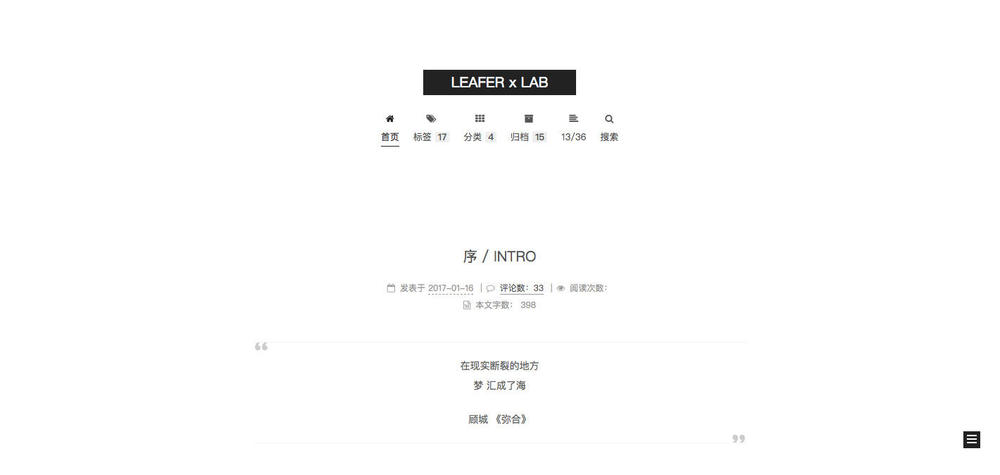
Mist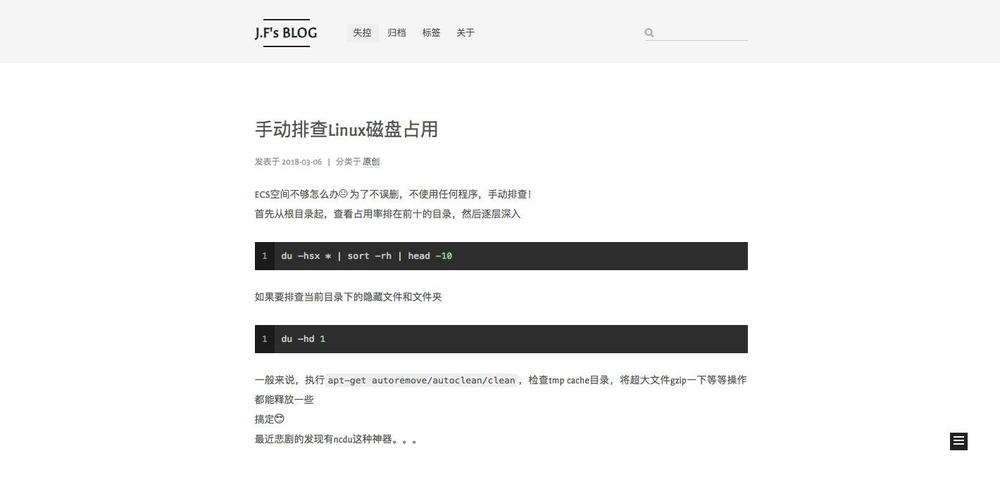
Pisces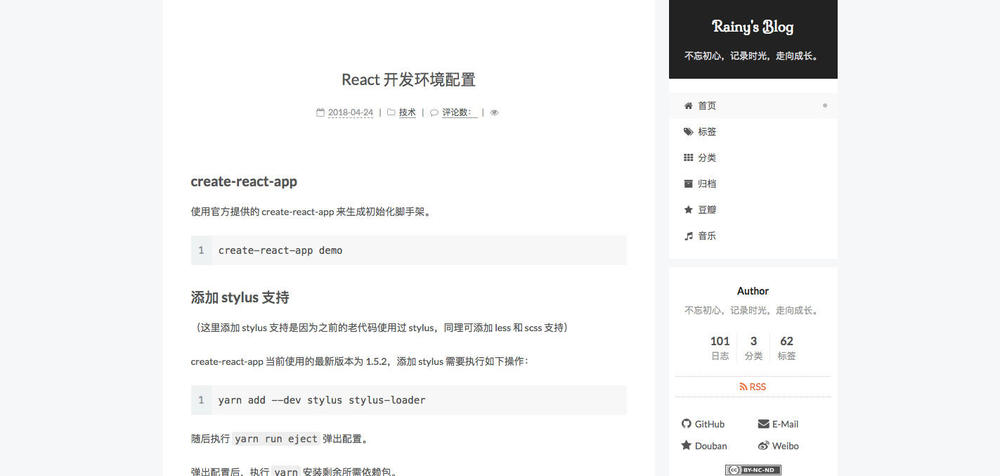
Gemini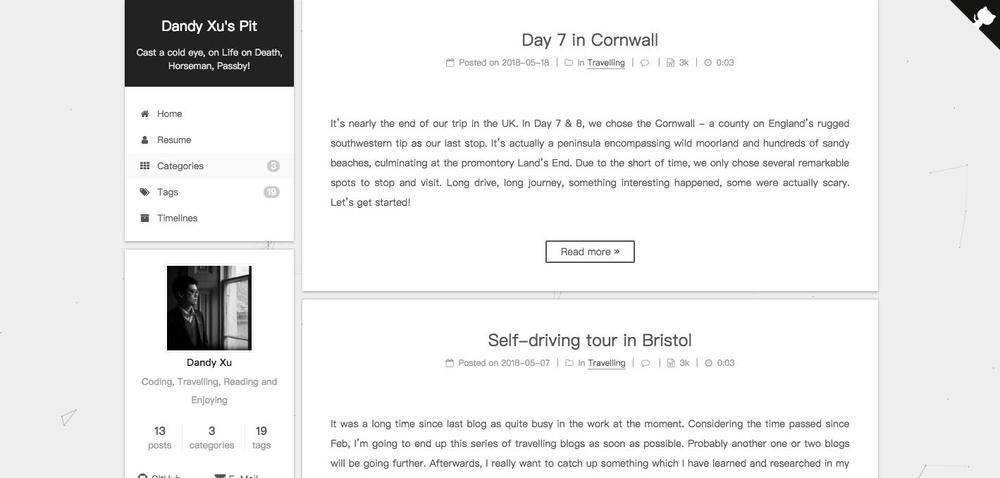
本文以Mist为例
- 打开主题配置文件(hexo)目录下
1
vim themes/next/_config.yml
找到1
2
3
4
5# Schemes
scheme: Muse
#scheme: Mist
#scheme: Pisces
#scheme: Gemini
替换为(想用哪个主题就取消注释,注释其他主题)1
2
3
4
5# Schemes
#scheme: Muse
scheme: Mist
#scheme: Pisces
#scheme: Gemini
菜单栏优化
主题配置文件中有首页,关于,分类等多个选项,只要取消相关注释即可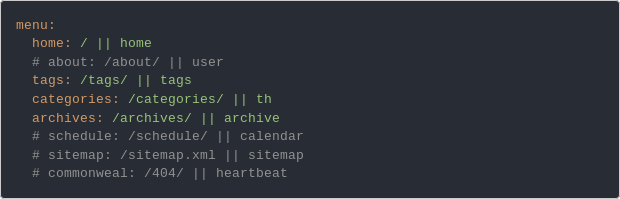
可以将菜单栏进行汉化如下图所示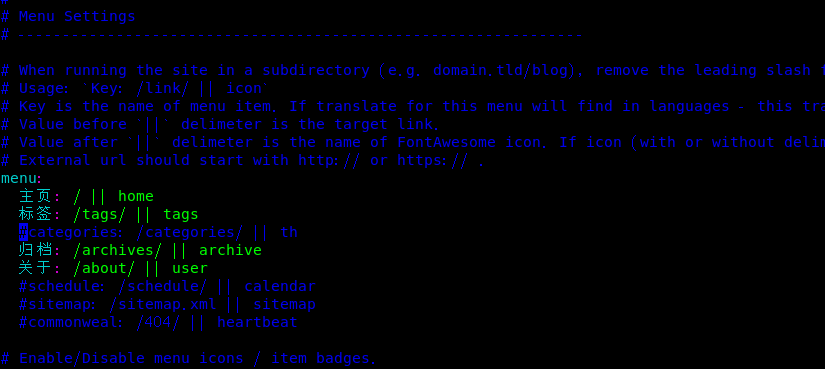
新建tags,about页面
主题默认是没有tags以及about页面,需要我们自己创建1
2hexo new page tags
hexo new page about
分别执行命名后可以看到在source目录下创建了tags/index.md 以及 about/index.md
其中about/index.md文件可以自由发挥
tags/index.md需要按照以下格式进行修改,否则tags页面无法读取标签1
2
3
4
5
6---
title: tags
date: 2018-12-24 19:34:56 #不用改
type: "tags"
comments: false
---
添加搜索功能
1.安装hexo-generator-searchdb 插件 无法安装点击这里
1
npm install hexo-generator-searchdb --save
2.打开hexo配置文件
1
vim _config.yml
3.在底端添加以下字段 保存退出
1
2
3
4
5search:
path: search.xml
field: post
format: html
limit: 100004.打开主题配置文件
1
vim themes/next/source/_config.yml
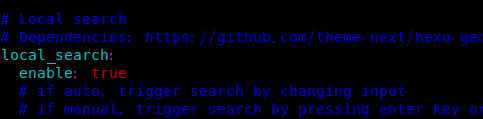
找到local search 修改 enable为true 如下图